TL;DR ActiveMQ in five minutes: download, extract, start
Installation
Download the latest version from the official website, extract it, and the only prerequisite is to install JDK. Starting from ActiveMQ 5.14, only JDK 8 is supported.
Configuration
The core configuration file is activemq.xml in the conf directory. The default configuration can be used without modification. Other configuration details will be introduced in subsequent articles when discussing the various features of ActiveMQ.
Starting
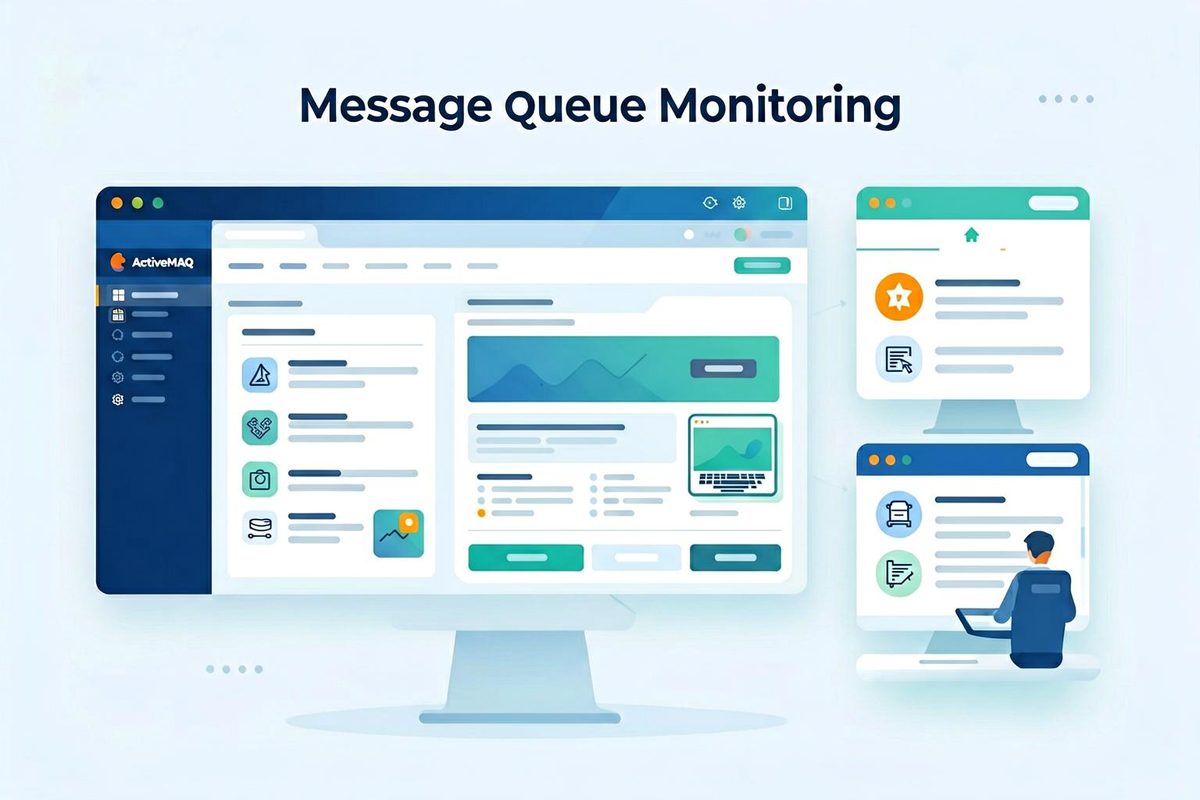
Run activemq start in the bin directory. After starting, open localhost:8161 in a browser to access the web management console.
Basic API Usage
This section only introduces the API usage under Java. ActiveMQ’s default OpenWire protocol only supports Java because the implemented JMS protocol is a Java-based protocol. If you need access from other languages, you can use protocols such as STOMP or AMQP.
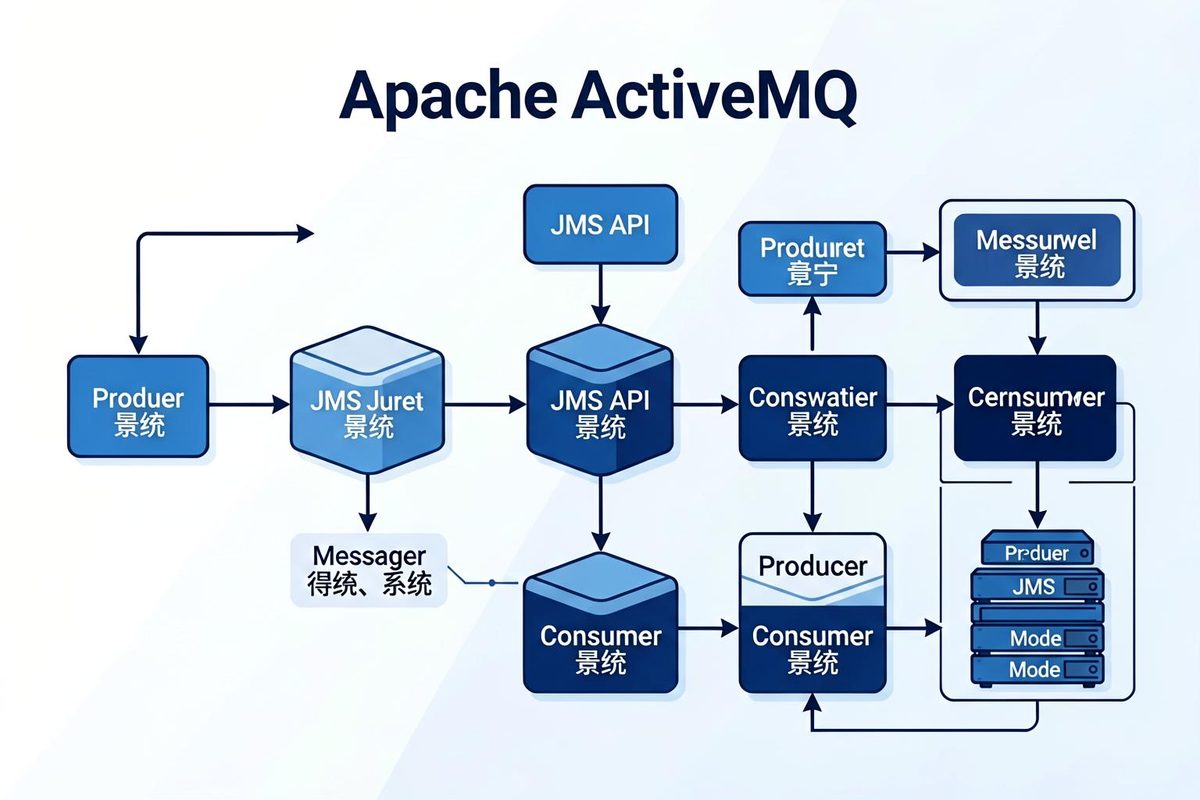
The main steps for sending and receiving messages in ActiveMQ are similar. You need to first establish a connection, then create a session, and then create the required producer or consumer.
Multiple connections, sessions, and consumers can be created to achieve parallel consumption. Generally, you need to use multiple connections or multiple sessions, because with multiple consumers sharing a single session, they simply take turns using the session — it is not true parallel consumption. As for the choice between connections and sessions, it generally depends on specific traffic requirements. One connection corresponds to one physical TCP connection.
Producers work similarly, but parallel message sending is generally not very useful, so the code is not included here.
Browsing Messages
ActiveMQ provides a useful feature called Browser, which works similarly to a consumer but does not actually consume messages — it only previews the message content.

 微信
微信
 Friend-link relay