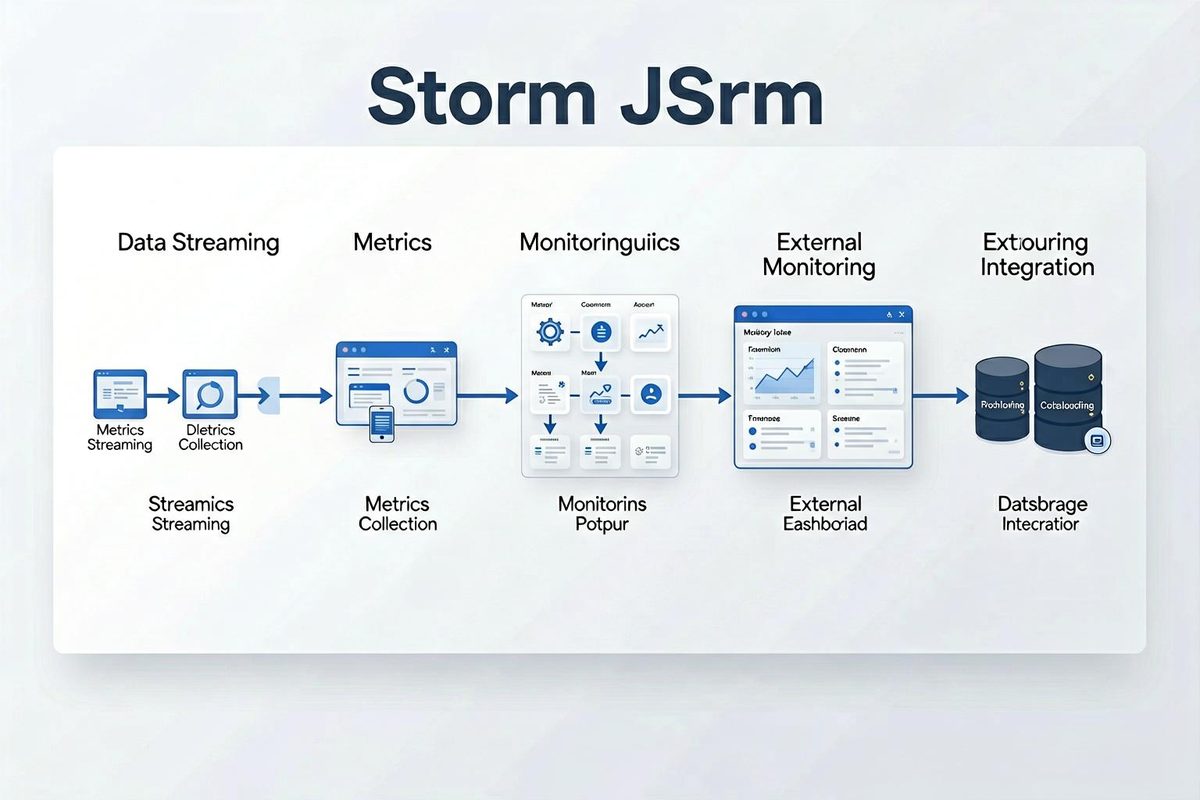
Storm/JStorm Ecosystem and Peripheral Tools: Connecting Storm to ActiveMQ, Kafka, HDFS and More
TL;DR Introduces the toolkit for integrating Storm/JStorm with external systems such as ActiveMQ, Kafka, and HDFS, enabling complete big data real-time processing pipelines.
Storm has a very rich surrounding ecosystem. There are ready-made toolkits available for interacting with Kafka, ActiveMQ, HDFS, HBase, and others. Most of these tools, including those introduced today, can also be used normally in JStorm.
storm-jms
Implements interaction with JMS implementations such as ActiveMQ.
Here we mainly introduce JmsSpout. Since sending queue data in Storm is no different from regular Java programs, wrapping it in a dedicated bolt seems unnecessary.
https://github.com/ptgoetz/storm-jms
The package includes Spring-based queue configuration loading.
Usage Example
1 | JmsProvider jmsQueueProvider = new SpringJmsProvider( |
Configuration File Example
1 |
|
Usage Instructions
Create a new XML configuration file. The <amq:queue> element configures the queue name.
The <amq:connectionFactory> element configures the ActiveMQ connection URL.
Call in code:
1 | JmsProvider jmsQueueProvider = new SpringJmsProvider( |
The three parameters are, in order: the configuration file name, the connectionFactory element name, and the queue element name.
Custom Output
Personalized output can be achieved by implementing JmsTupleProducer.
Taking JsonTupleProducer as an example:
1 | public class JsonTupleProducer implements JmsTupleProducer { |
This emits the entire message as a single field.
declareOutputFields and new Values are the corresponding functions in Storm.
By processing appropriately in toTuple, customized output can be achieved.
Disabling Ack
Besides setting the ack count to 0 via conf.setNumAckers(0);
you also need to change the JMS acknowledgment mode to auto-ack:
1 | queueSpout.setJmsAcknowledgeMode(Session.AUTO_ACKNOWLEDGE); |
Custom JMS Connector
The JmsProvider class is used by JmsSpout to establish connections to queues.
The default SpringJmsProvider obtains JMS connections through Spring configuration.
If there are special requirements, you can implement the two interfaces in JmsProvider yourself to obtain the ConnectionFactory and queue Destination.
storm-kafka
https://github.com/apache/storm/tree/master/external/storm-kafka
Retrieving data from Kafka.
Usage Example
1 | String topic = ""; //queue name |
storm-hdfs
HdfsBolt supports writing data to HDFS.
Usage Example
1 | SyncPolicy syncPolicy = new CountSyncPolicy(100); //sync to disk every 100 records |
Example Description
When coded according to the example, the output to HDFS is as follows:
Each record received by the bolt becomes one line in HDFS;
The output path to HDFS is: configured path / date / default filename;
Each thread of hdfsbolt outputs to a separate file; topology restarts create new files;
Files are archived daily.
Additional Features
FileSizeRotationPolicy supports archiving by fixed file size; TimedRotationPolicy supports archiving by fixed time;
If other archiving methods are needed, you can implement the FileRotationPolicy interface, referring to DailyRotationPolicy source code.
Custom file paths and filenames can be implemented through the FileNameFormat interface, referring to FileFolderByDateNameFormat.
FileFolderByDateNameFormat
FileFolderByDateNameFormat implements the commonly used storage path pattern.
Usage example:
1 | FileFolderByDateNameFormat fileNameFormat = new FileFolderByDateNameFormat() |
This will automatically append a date after the path, and dates will also be included in the filename.
Source Reference
In addition to the storm-hdfs source code itself, you can refer to https://github.com/lcy362/StormTrooper for the implementations of FileFolderByDateNameFormat and DailyRotationPolicy.
 微信
微信