From Token Farming to Skill Management: My pks Tool in Practice
I wrote an article before: https://lichuanyang.top/en/posts/26060/ . It taught people how to build Agent-independent workflows, so you can spin up different Agents anytime and smoothly use the free/trial plans from various providers. After practicing this way, one thing that obviously becomes tedious is skill management. So I wrote another tool to manage skills across different Agents and projects.
Given the current Agent ecosystem is still quite chaotic, everyone does their own thing, and skill storage directories are defined by each provider.
For example, Cursor puts them in ~/.cursor/skills, Claude Code in ~/.claude/skills, Trae in ~/.trae/skills, OpenCode in ~/.config/opencode/skills, and there are also Windsurf, Qoder, Hermes, etc., each with their own path conventions.
The community is also trying to define a universal .agents/skill directory, which helps a bit, but not much.
Of course, the problem of skill management isn’t entirely caused by using multiple Agents. Because skills naturally have very different scopes of application. Some skills are suitable for company projects, some for personal projects, some have an even narrower scope, only applicable to a few related projects, and some skills, like news aggregation, I only want to configure in a specific agent.
If you ask, is it okay not to do such fine-grained management of skills? Well, there’s no major problem, it’s just that the agent will spend a bit more tokens retrieving skills each time. But as a technical person with OCD, I still want to manage these things more carefully, and just don’t let the agent see these skills in places where they’re not needed.
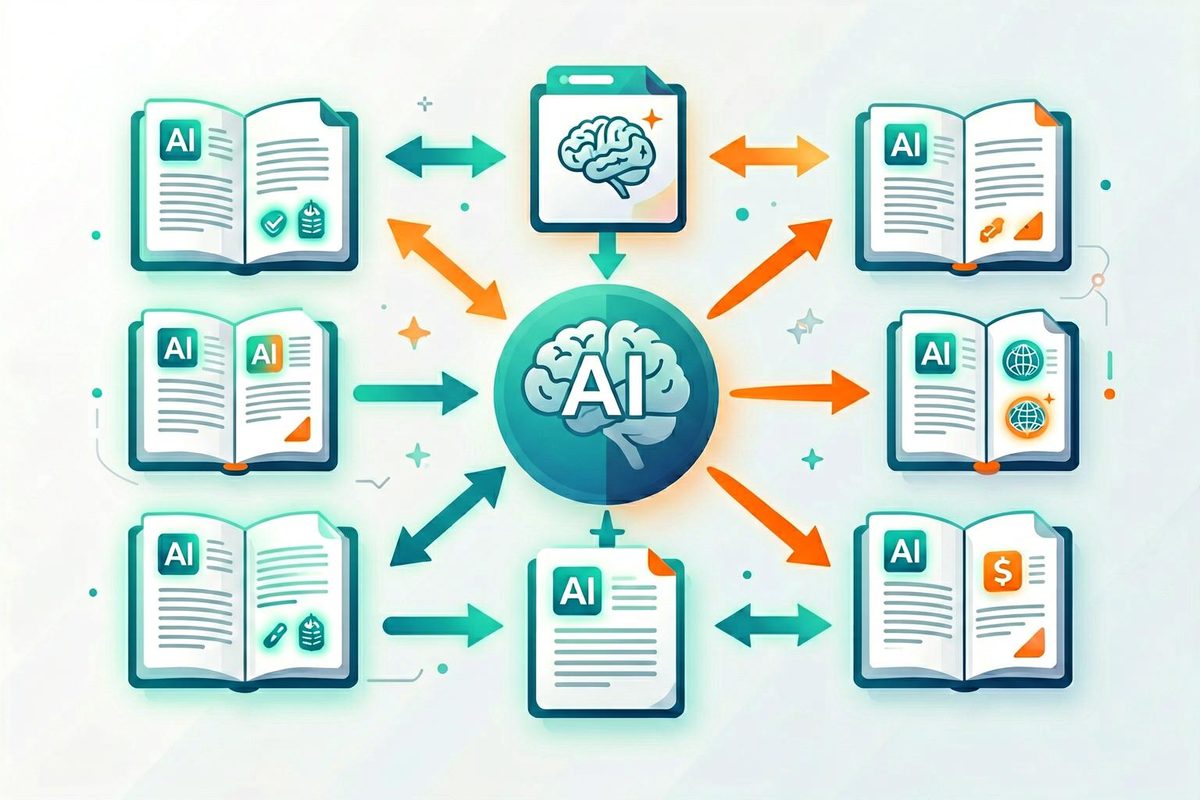
Based on this, I designed the pks tool. The core idea is to manage all skills in a centralized place, and then, according to needs, write skills to the agent’s skill directory or project directory.
Specifically, it supports the following features:
Global Management: All skills are centrally stored under ~/.local/share/pks/skills/, use pks list to view them, and pks new to create new skills.
Project-level Installation: After running pks init in a project directory, you can use pks install to install global skills into the project’s .skills/ directory.
Agent-level Installation: Use pks install-to <agent> <skill> to directly install skills into a specific agent’s skill directory (like ~/.cursor/skills/).
Bidirectional Sync: If you modify skill files in a project, use pks push to push the changes back to the global repository.
In practice, I have about these use cases:
Some skills have limited scope, like a few related projects. In this case, I don’t put the skill in the agent’s configuration, but instead put it in the project. Using the pks install command, you can put skills from the local skill repository into the project directory. Then you can guide the agent to find skills in the skill directory in the AGENTS.md file. For agents that support project-level skills, you can also use the pks link command to soft-link the agent’s corresponding project-level skill directory, like .opencode/skills, to the skills directory;
Some skills, like news collection skills, I only want to appear in some agents, so I run the pks install-to command to install it in the agent’s skill directory.
Sometimes skill files need to be modified. I’ll first modify them in a project, then run pks push to push the changes back to the skill repository.
This way, there’s a relatively proper and reasonable handling process for skills.
The project is at: https://github.com/lcy362/personal-skills-manager , welcome to try it out. If you have other experiences with skill management, feel free to share.
 微信
微信