
How to Farm Free Tokens (Part 2): Building an Agent-Independent Skills Management Workflow
TL;DR The essence of skill management is agent independence
Last post ended with this: Agents are just tools. Documentation is the core.
After that went up, someone asked: sure, but how do you actually manage all those docs? You can’t just copy-paste them into every project, can you?
Nope, you can’t.
So I built a tool to solve exactly that — pks (Personal Skills Manager). 408 lines of pure bash, zero dependencies. It does one thing: packages your AI workflow docs as skills, installs them into projects on demand, and locks you into no Agent platform.
What Is a Skill
If you’ve used OpenCode, Cursor, or any other Agent platform, you’ve probably encountered the concept of a “skill.” Platforms call them different things — skills, rules, custom instructions — but they all mean the same thing: structured instructions you give an Agent so it knows how to handle specific types of tasks.
“When calling our API gateway, parameters must be flat in the request body — no nesting under params.” That’s a skill. “Commit messages must follow type(scope): description format.” Also a skill. “Table names use snake_case, every column must have a comment.” Still a skill.
The underlying model provides general-purpose reasoning — it knows how to write code, how to call APIs. But the quirks of your API gateway, your team’s naming conventions, why your project chose this architecture — the model doesn’t know any of that. You have to tell it. Skills are how.
Each platform manages skills differently. OpenCode uses .opencode/skills/ directories, Cursor uses .cursorrules, Claude Code reads CLAUDE.md. Different formats, different mechanisms, same idea: a document the Agent reads and follows.
Skills themselves don’t depend on any platform. A skill folder written in Markdown, dropped into any project — any Agent that finds it will read it and use it. Plain Markdown. Anyone can read it.
Where’s the Problem
Skills are great. But here’s the catch: you have multiple projects.
A team coding standard — project A needs it, project B needs it, project C needs it too. How do you manage that?
The common approach is to configure it at the Agent level — a standard “install skill” operation. For example, you install a WeRead skill into OpenCode, and boom, every project you open with OpenCode can use it.
That works fine… unless you read my last post.
If you’re trying to build agent-independent workflows, this approach falls apart fast. The day you spot a new Agent giving away free tokens, download it, and realize you have to manually migrate all your skills? Kinda defeats the purpose.
That’s exactly why I built pks — to decouple skill management from any specific Agent or project, and make it a standalone system of its own.
How pks Solves It
pks is best suited for non-general, project- or team-specific instructions: your coding style preferences and commit conventions, your team’s code standards and CI/CD workflows, your project’s architecture decision records and API design constraints.
pks does one thing: manage all your skills in one place, install them into any project on demand.
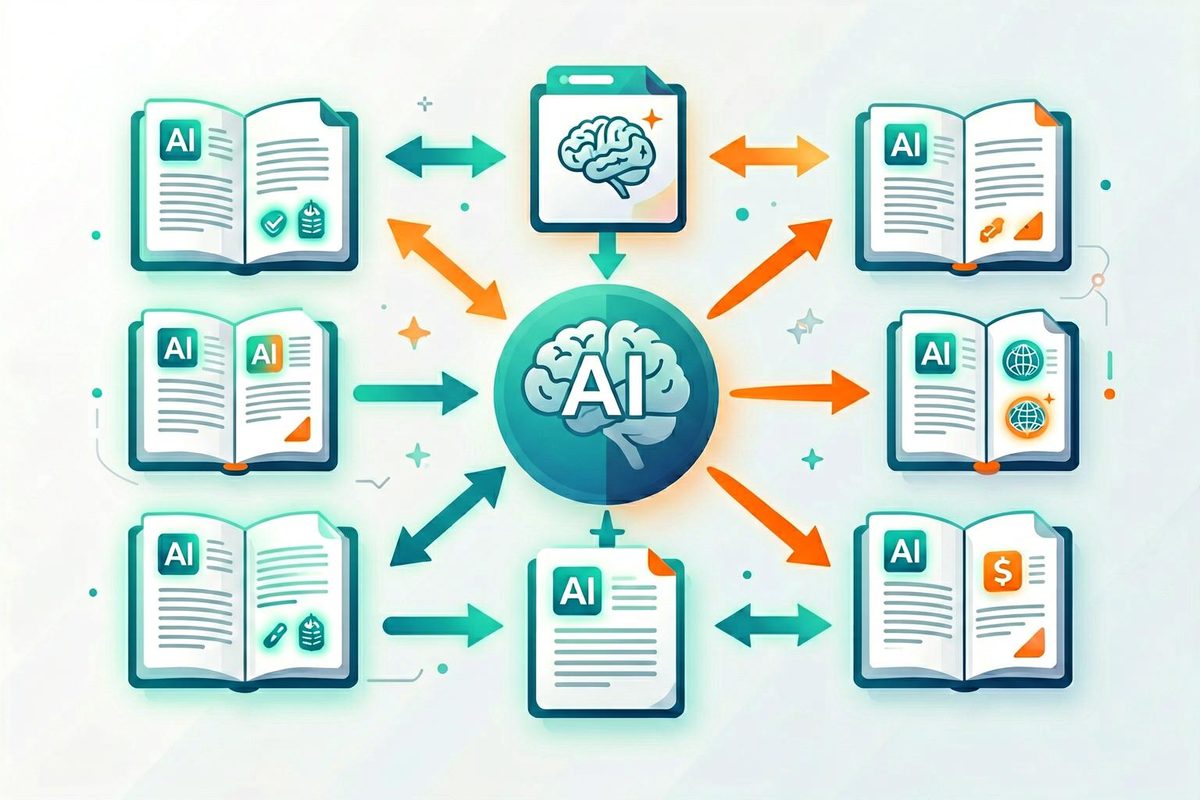
All skills live in a single global repo. Each project installs only what it needs.
Three core global commands:
1 | pks new my-skill # Create a new skill skeleton from template |
Project-level operations are just as simple:
1 | cd your-project |
Once installed, the skill gets copied into the project’s .skills/ directory:
1 | your-project/ |
How Agents Discover Skills
It’s actually a very natural flow.
Every time you install or uninstall, pks automatically rebuilds .skills/INDEX.md. This index lists all installed skills with descriptions and versions, and includes one line:
Agents: read the
SKILL.mdfile in each skill directory below for relevant instructions.
Any Agent entering the project will see this directory, read INDEX.md, and load the specific SKILL.md files as needed.
At most, you might add a line in your project’s AGENTS.md pointing to the skills directory. In my experience, most Agents don’t even need that — they find the skills naturally on their own.
When Would You Use This
Here’s the most common scenario: you’re leading a project and a new developer is joining the team.
The old way? Hand over a README, verbally explain “we write commits like this,” “that internal library works like that,” “don’t mess with database fields.” The rest? Figure it out yourself.
With an Agent, it’s about the same — you stuff the rules into CLAUDE.md or AGENTS.md, and the Agent consumes them every single conversation, regardless of whether the current task has anything to do with those rules.
Try a different approach. Break this knowledge into a few skills:
1 | skills/ |
New hire? pks init, pks install team-coding-style, pks install project-architecture — done in minutes. The Agent reads these skills and immediately knows how this project works. Different person, different machine, different Agent platform — same skills, same results.
And only installed skills consume tokens. A pure frontend project doesn’t need the database conventions skill. A legacy project doesn’t need the onboarding skill. Compared to stuffing all rules into one massive config file that the Agent reads every single conversation, installing on demand saves a lot of wasted tokens — which is basically farming your own tokens.
These non-general instructions are pks’s sweet spot. General capabilities? The Agent already has those. But your team standards, your project conventions, the pitfalls you’ve stepped in — those are only useful to you, and should only show up when needed.
Why Pure Bash
The entire pks CLI is 408 lines of bash. No Python, no Node.js, no runtime. git clone and it runs.
Why so extreme? Because a skill management tool shouldn’t introduce any overhead. Your workflow is already complex enough — the tool managing it should be as simple as possible. Simple enough that it won’t break because some runtime had a version update.
Bash works out of the box on macOS and Linux. A script from ten years ago still runs today. That’s the beauty of zero dependencies: your workflow docs outlive any framework.
A Few Design Details Worth Mentioning
pks has a few design choices worth calling out.
Semantic versioning: Each skill’s YAML front matter includes a version field. When a skill evolves, the version bumps. You always know which version a project has installed.
Global management, per-project installation: All skills maintained in one repo. Projects install only what they need.
Template protection: Skills starting with _ (like _template) are hidden from listings and can’t be deleted. pks new auto-generates a skeleton from the template — no starting from scratch.
Path-independent: pks resolves symlinks and uses relative paths. No matter where you invoke it, it always finds the skills directory. It always knows where home is.
Back to That Line
Last post said: “Agents are just tools. Documentation is the core.” This post takes it a step further: documented workflows can be managed.
pks isn’t anything fancy — just 408 lines of bash. But it represents an attitude: your workflow is your asset, not any platform’s appendage.
Farm those tokens. Manage those skills. Saving money and doing good work — those two things aren’t mutually exclusive.
Source: https://lichuanyang.top/en/posts/26061/
Frequently Asked Questions
Q: What’s the difference between Skills management and Agent management?
Skills management is independent of any Agent platform — you store all skills in a single global repository and install only what each project needs. Agent management means configuring skills inside a specific Agent’s internal settings (e.g., OpenCode’s .opencode/skills/ or Cursor’s .cursorrules), tying them to that platform. The benefit of the former is zero migration cost when switching platforms; the latter offers tight integration but requires reconfiguration every time you switch Agents.
Q: How is cross-platform compatibility maintained?
The key is plain Markdown. When pks installs a skill, it generates .md files placed in the project’s .skills/ directory, along with an auto-maintained INDEX.md index file. Any Agent scanning the project directory will discover this structure, read INDEX.md to learn what skills are available, then load specific SKILL.md files as needed. No special formats, no platform SDKs required — plain Markdown is the greatest common divisor.
Q: How does pks differ from configuring skills directly in an Agent?
Configuring directly in an Agent is convenient, but skills become “bound” to that Agent. pks’s approach is to decouple skill management from the Agent — skills live in a global repo and are installed into any project on demand. The biggest practical benefit: on-demand installation means only installed skills consume tokens. A pure frontend project doesn’t need the database conventions skill. A legacy project doesn’t need the onboarding skill. Compared to stuffing all rules into one giant config file the Agent reads every conversation, pks saves a significant amount of wasted tokens.
Q: Why use bash instead of Python or Node.js?
Zero dependencies. A skill management tool itself shouldn’t introduce any runtime overhead — your workflow is already complex enough. A 408-line bash script works out of the box on macOS and Linux, requires no interpreter installation, no virtual environment management, and won’t break because of a runtime version upgrade. A bash script from ten years ago still runs today, ensuring your workflow documentation outlives any framework.
 微信
微信


Expanding choices through code
 Friend-link relay