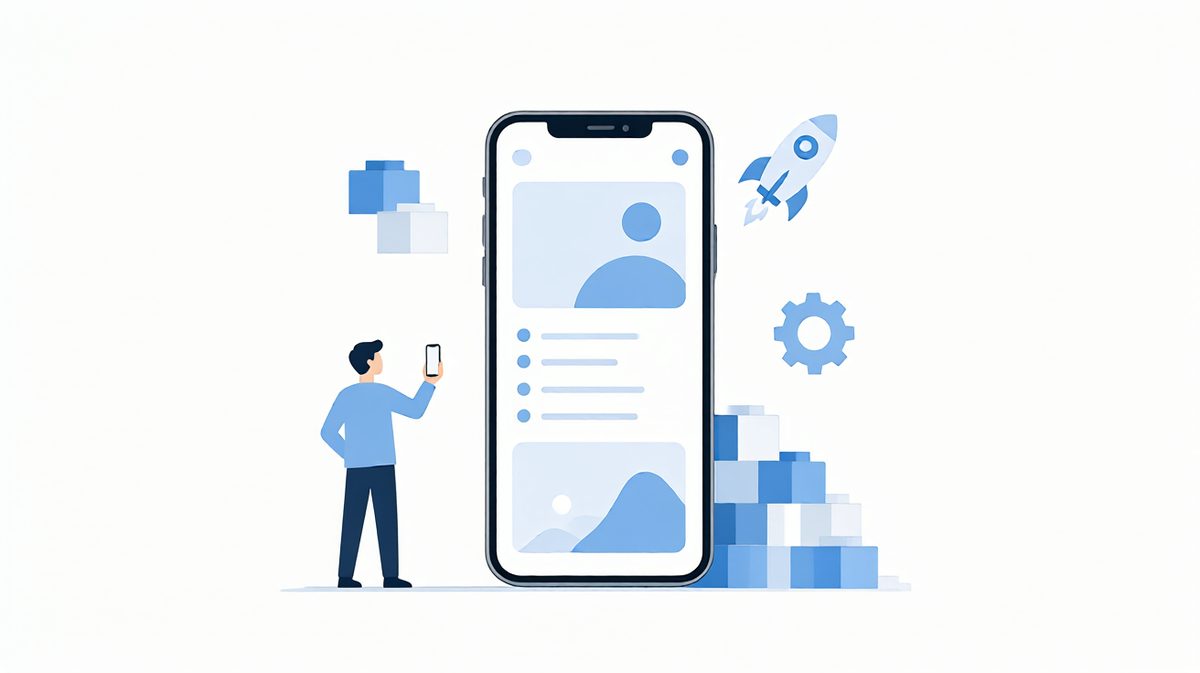
Stop Looking for Apps, Build Your Own: Personal App Development Notes
TL;DR In the post-AI era, building an app yourself costs less than hunting for one. With an app-shell + H5 architecture and workflows frozen into reusable skills, a personal app takes me under an hour.
The other day I saw a post from Tianyi Cui on X:
The next super app doesn’t have to be a super app for everyone.
Today, everyone is capable of creating a super app.
The next super app could also be a super app that belongs to you alone.
A super app that belongs to you alone. I couldn’t agree more.
In the post-AI era, for anything you can build yourself, building it yourself is always the better fit. Every app that exists today — especially the ones you use heavily — no matter how well it’s made, will almost never fully match your own needs. So however much you go hunting for an app, it costs less to simply build one yourself.
In my view, there are only two scenarios left where you still need somebody else’s app.
The first is when the other side holds massive resources you can’t get to. WeChat, Amap, Alipay — are these things good? Really not. Even already this bloated, they still lack plenty of what I want: a decent expense tracker, a trip log. If I could, I’d mod all three out of existence. But they sit on resources no individual developer can access, so you grit your teeth and keep using them.
The second is when there genuinely already exists an app that fits your needs. For me, Obsidian covers everything I want from a notes app, so there’s no reason for me to build one.
Building your own “super app” is probably still premature — too much isn’t connected at the business layer, like the WeChat data and navigation data mentioned above.
But if you only want your own “non-super” app, now is exactly the right time. Especially things like expense tracking and to-do lists, where everyone thinks the existing ones suck and any person would like to build their own version. The root cause: everyone’s habits and taste are different, and what others build just never feels smooth in your hand. So you might as well make one for yourself — and don’t even think about shipping it to others. You think everyone else’s apps are garbage; to them, yours look exactly the same.
Recently I turned a bunch of things I used to keep in documents or on paper into apps.
My grid trading strategy, for example, now lives in an app: when a price approaches or hits a buy or sell point, it flags it for me — far more convenient than jotting notes in a document and checking by hand.
Next, some notes on developing apps for yourself. Personal apps have low traffic and never involve the weird edge-case logic of commercial products, so they’re actually much easier to build.
App shell + H5
Best to use an app shell that embeds H5: the native app layer holds only the minimal shell, while all business logic lives in the H5 layer. The app gets installed once; every feature update after that ships as a hot update, just by publishing a new H5 page.
Deployment
The H5 can be hosted on Cloudflare Pages or Tencent Cloud EdgeOne — both free tiers are plenty generous. EdgeOne requires an ICP-filed domain, and Cloudflare carries some latency inside China’s network. Pick your trade-off.
Backend
If you need a backend service, you can register an Oracle free VPS. It requires a foreign credit card and risk control is strict, so approval takes real effort. Of course, a lightweight server from Aliyun or Tencent Cloud — the ¥99/year one — is more than enough too. Or use Cloudflare D1 and Workers, or Neon’s data API; each can serve as a backend to some degree.
And if you want no backend at all, that’s viable too. Data can land in a fixed folder on your phone, managed by git or a cloud drive, or periodically pulled back to your computer.
Security
One warning: if you do run a backend, make the AI review your server’s security policies. Don’t leave obvious holes for someone to brute-force.
Automation
Installing and testing the app — once the phone is connected by a data cable — can all be driven by an agent automatically.
Freeze your workflows into skills
And the most important point: every generic workflow above should be deliberately frozen into a process document or skill. Operating the VPS, driving Cloudflare’s various products — agents can fully automate all of this without the developer touching anything. What you do is let the agent run a flow through once, then solidify that run into a reusable workflow.
Once these reusable workflows across all the parts pile up, developing an app for me now takes under an hour.
Manage your skills
One last question. Along the way, besides your personal apps, you’ll accumulate many skills of your own — they contain your computer environment info, your VPS info, and so they aren’t suitable for sharing. But then, how do you manage these skills well? That’s a problem too. So let me take the chance to recommend Flint, the local skill-management tool I built:
https://github.com/lcy362/flint
Make these skills assets that truly stay with you for the long run.
 微信




Expanding choices through code
 Friend-link relay